
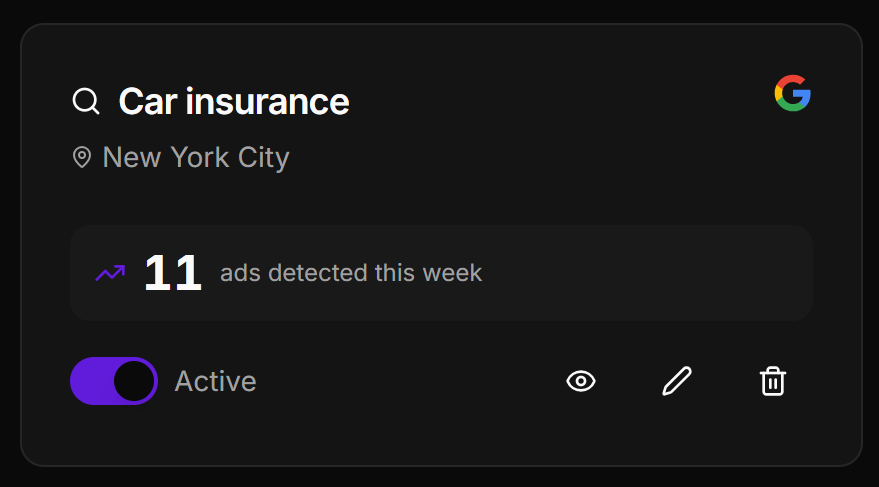
To view the ads detected by a radar, navigate to the Ad Radar section of your project. Find the radar you want to inspect in the list, then click the eye icon to open its results and display all the ads that have been detected.
What each result shows:
- Advertiser name — the brand or domain running the ad
- Headline — the main ad title as it appears in the placement
- Description — the body copy of the ad
- Display URL — the URL shown in the ad
- Platform badge — Google, Bing, or Meta
- Ad position — where the ad appeared (top of page, sidebar, feed, etc.)
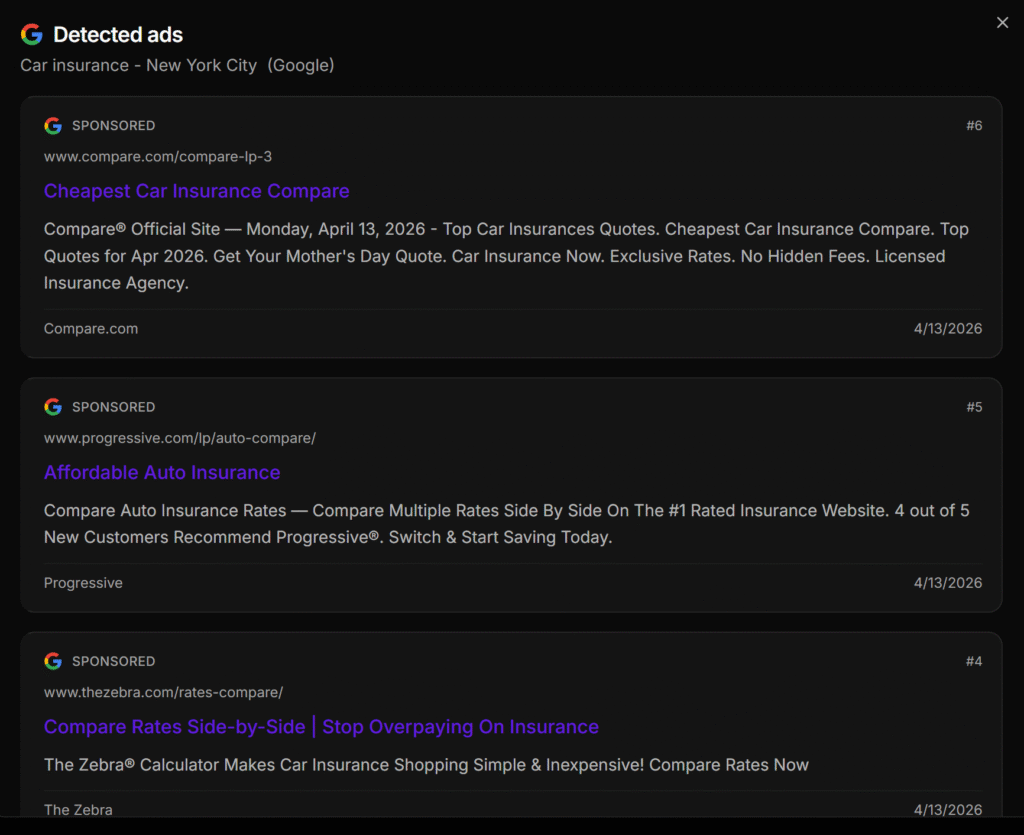
Each ad displayed corresponds to a real active placement detected for your keyword and location at the time the radar ran. New ads are added automatically as they are detected, and you are notified by email when this happens.
